Random Chat / Chat Roulette6.04
Publisher Description
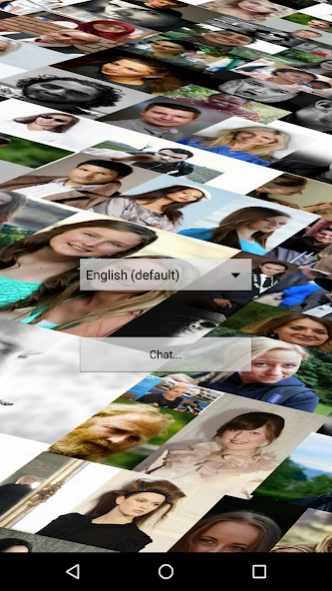
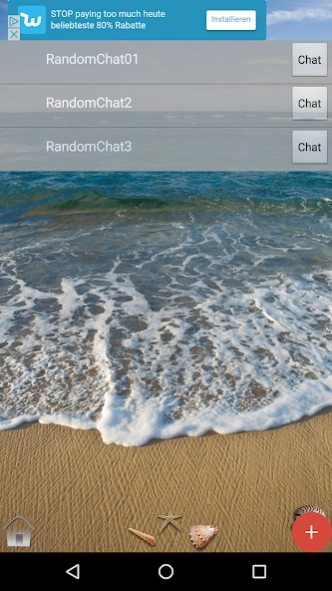
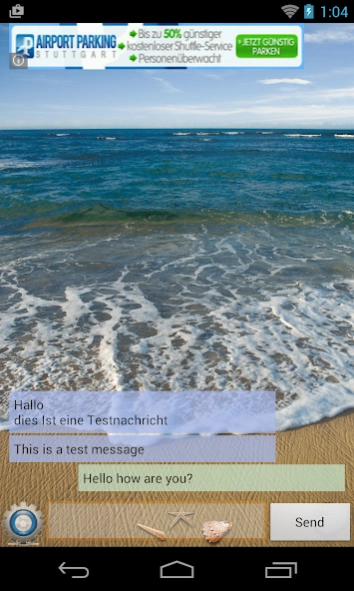
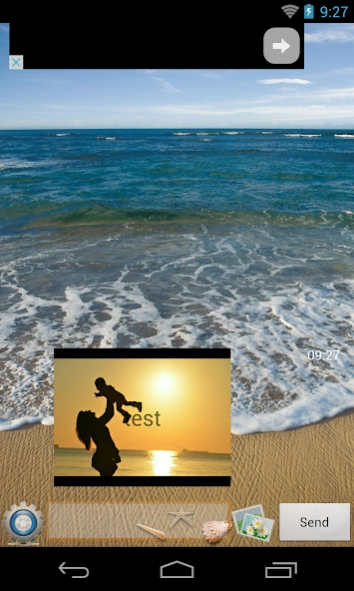
Get to know new people from around the world
Want to make new friends and also want to meet them then you are at right place. This new random chat app 2017 is the most lovely, addictive and cool app which allows you to start a free random chat with strangers. In this random chat no login is required just open it and enjoy the really amazing and stunning experience of chatting.
Make new friends and start hanging out with them and meet them. You can also share your photos with your friends in this app that's the reason it is one of the great and exceptional random chat for kids 2017. You can also edit your pictures in this cool chat app by using the superb filters and also start random video chat smoothly with strangers. You will find really exciting new ways of meeting people around the world and give each other's an exciting surprise in this new best random chat app 2017.
Features:
- Astonishing random people chat.
- Fast random chat rooms.
- Excellent random video call chat.
- Amazing filters.
- Meet people from different countries.
This is the great entertaining app with very cool features so don’t wastes a single time on thinking install this app now and Enjoy.
You should be over 18 to use this app and you should consider the netiquette. (http://en.wikipedia.org/wiki/Etiquette_in_technology#Netiquette)
Data privacy: Your messages are only stored temporarly on our servers and will be deleted after delivery to your chat partner. No IP or other connection data will be stored.
About Random Chat / Chat Roulette
The company that develops Random Chat / Chat Roulette is Daniel Primm. The latest version released by its developer is 6.04.
To install Random Chat / Chat Roulette on your Android device, just click the green Continue To App button above to start the installation process. The app is listed on our website since 2022-01-18 and was downloaded 3 times. We have already checked if the download link is safe, however for your own protection we recommend that you scan the downloaded app with your antivirus. Your antivirus may detect the Random Chat / Chat Roulette as malware as malware if the download link to de.primm.randomchat is broken.
How to install Random Chat / Chat Roulette on your Android device:
- Click on the Continue To App button on our website. This will redirect you to Google Play.
- Once the Random Chat / Chat Roulette is shown in the Google Play listing of your Android device, you can start its download and installation. Tap on the Install button located below the search bar and to the right of the app icon.
- A pop-up window with the permissions required by Random Chat / Chat Roulette will be shown. Click on Accept to continue the process.
- Random Chat / Chat Roulette will be downloaded onto your device, displaying a progress. Once the download completes, the installation will start and you'll get a notification after the installation is finished.
Program Details
System requirements
Download information
Pricing
Version History
version 6.04
posted on 2022-01-18
Small layout fixes
version 6.03
posted on 2021-12-29
- Security SSL fixes
- Added Terms and conditions for User Generated Content
- Usability fixes
version 6.01
posted on 2020-04-05
New Backend for better random user procession.
version 5.13
posted on 2020-01-25
Fix for Database issues
version 5.00
posted on 2019-01-02
Messaging change from Google Cloud Message to MQTT. App must run in the background to receive realtime messages. Enjoy...
version 4.07
posted on 2017-11-01
version 3.04
posted on 2016-12-02
- Bugfix
